careercreators.in

0
0 reviews

Video Editing Advanced

Master professional video editing using Adobe Premiere Pro. Learn advanced timeline editing, transitions, effects, audio synchronization, colour correction, titles and ... Show more
  • Description
  • Curriculum
  • Reviews

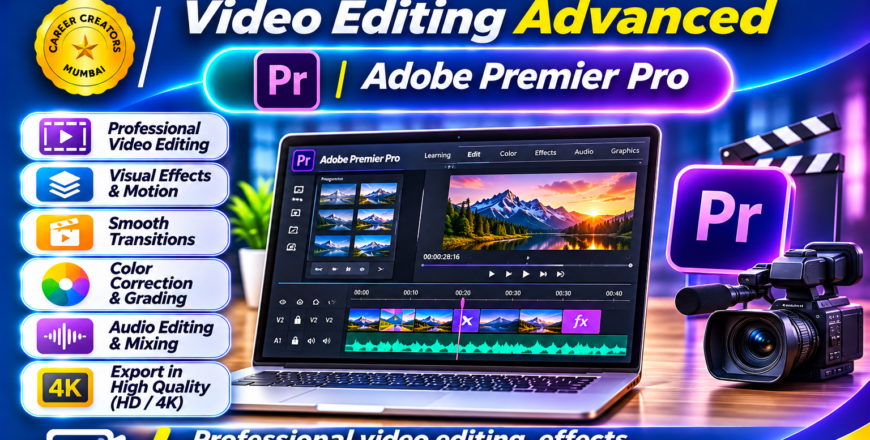
The Advanced Video Editing course is designed to develop professional video editing skills using Adobe Premiere Pro.

Professional video editing involves much more than simply joining video clips. It requires an understanding of editing techniques, storytelling, audio synchronization, transitions, visual effects, colour correction and professional export settings.

This course provides practical training in Adobe Premiere Pro, helping students understand professional editing workflows and create high-quality video content for business, education, entertainment and digital media.

Course Modules

1. Introduction to Adobe Premiere Pro

  • Understanding the Premiere Pro interface.

  • Creating and managing projects.

  • Importing and organizing media.

  • Understanding sequences and timelines.

  • Working with video and audio tracks.

  • Understanding project settings.

2. Professional Video Editing

  • Cutting and trimming footage.

  • Working with multiple clips.

  • Timeline editing techniques.

  • Ripple and roll editing.

  • Speed and duration adjustments.

  • Managing multiple video layers.

  • Professional editing workflow.

3. Transitions & Video Effects

  • Working with video transitions.

  • Applying effects.

  • Creating smooth scene changes.

  • Working with effects controls.

  • Keyframe animation fundamentals.

  • Improving visual presentation.

4. Audio Editing

  • Importing and managing audio.

  • Background music.

  • Voice-over synchronization.

  • Audio levels and adjustments.

  • Sound effects.

  • Basic audio enhancement.

5. Colour Correction & Enhancement

  • Understanding colour correction.

  • Working with Lumetri Color.

  • Exposure and contrast adjustments.

  • Colour balance.

  • Creative colour grading fundamentals.

  • Improving video appearance.

6. Titles & Professional Graphics

  • Creating titles and text.

  • Adding captions.

  • Working with graphic elements.

  • Lower thirds.

  • Text animation fundamentals.

  • Professional video presentation.

7. Exporting & Publishing

  • Understanding export settings.

  • Resolution and frame rates.

  • Video formats and codecs.

  • Exporting for YouTube.

  • Exporting for social media.

  • Preparing high-quality final videos.

8. Professional Video Projects

  • Promotional Business Video.

  • Educational Video Production.

  • YouTube Video Editing.

  • Cinematic Video Editing.

  • Social Media Advertising Video.

  • Professional Presentation Video.

Learning Outcomes

By the end of this course, students will be able to work with Adobe Premiere Pro and understand professional video editing workflows.

They will gain practical knowledge of timeline editing, effects, transitions, audio synchronization, colour correction and exporting, helping them produce polished video content for professional applications.


Advanced Video Editing with Adobe Premiere Pro.png
Course details
Level Advanced
Basic info

Course Category: Professional Video Editing

Software Covered:

  • Adobe Premiere Pro

Skills You Will Develop:

  • Professional timeline editing

  • Advanced cutting and trimming

  • Video transitions

  • Visual effects

  • Audio synchronization

  • Colour correction

  • Colour grading fundamentals

  • Title and text design

  • Professional video exporting

Practical Projects:

  • Business Promotional Video

  • YouTube Video

  • Educational Video

  • Cinematic Video

  • Social Media Advertisement

  • Professional Video Presentation

Suitable For: Students with basic video editing knowledge, content creators, YouTubers, aspiring video editors, freelancers and digital marketing professionals.

Prerequisites: Basic computer knowledge and familiarity with basic video editing are recommended.