- Description
- Curriculum
- Reviews
Professional Typing Master

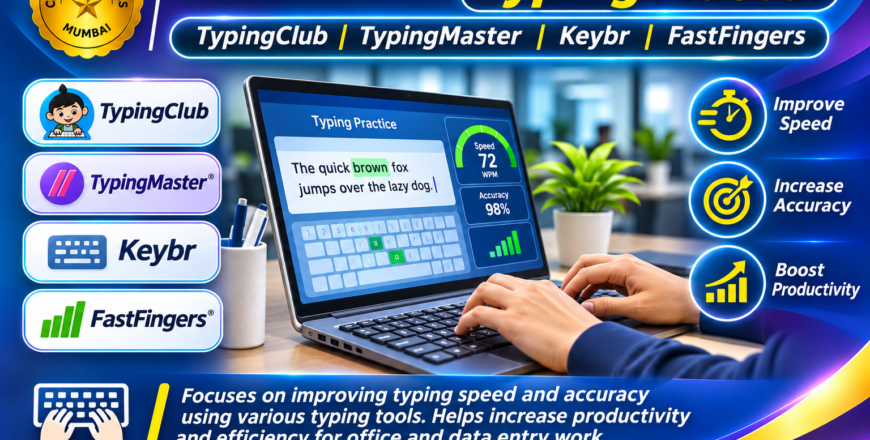
The Professional Typing Master course is designed to improve students’ typing speed, accuracy and overall keyboard efficiency.
Typing is one of the most important skills required in computer-based jobs and office environments. Whether working as a data entry operator, office assistant, accountant or administrative employee, the ability to type accurately and efficiently can significantly improve productivity.
This course provides structured typing practice using different online and desktop typing platforms. Students will gradually develop proper keyboard familiarity, finger placement, typing rhythm, speed and accuracy.
1. Introduction to Keyboard & Typing
-
Understanding the computer keyboard.
-
Introduction to alphabetic, numeric and special keys.
-
Understanding the home row keys.
-
Correct finger placement.
-
Developing proper typing posture.
2. TypingClub
-
Learning structured typing exercises.
-
Practising correct finger movement.
-
Improving keyboard familiarity.
-
Developing typing accuracy.
3. TypingMaster
-
Practising typing lessons and exercises.
-
Identifying typing mistakes.
-
Improving typing speed.
-
Monitoring typing performance.
4. Keybr
-
Practising keyboard patterns.
-
Improving finger coordination.
-
Developing typing rhythm.
-
Strengthening weak keys.
5. FastFingers
-
Participating in typing speed tests.
-
Measuring words per minute (WPM).
-
Checking typing accuracy.
-
Improving performance through regular practice.
6. Speed & Accuracy Development
-
Practising regular typing exercises.
-
Reducing typing errors.
-
Improving typing consistency.
-
Developing confidence in keyboard usage.
-
Measuring personal typing progress.
By the end of this course, students will develop better keyboard skills and improve their typing speed and accuracy through structured practice.
These skills are useful for data entry operations, office documentation, computer-based examinations, administrative work and other professional activities requiring regular keyboard use.
Course Category: Computer Skills & Professional Typing
Platforms Covered:
-
TypingClub
-
TypingMaster
-
Keybr
-
FastFingers
Skills You Will Develop:
-
Keyboard familiarity
-
Correct finger placement
-
Touch typing techniques
-
Typing speed improvement
-
Typing accuracy
-
WPM measurement
-
Error reduction
Suitable For: Students, beginners, job seekers, data entry operators, office assistants and anyone who wants to improve typing speed and accuracy.