
Course Description
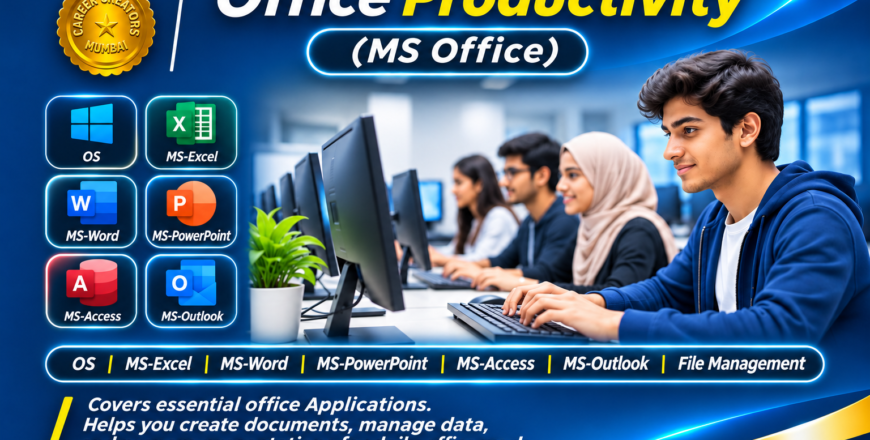
The Office Productivity course is designed to develop essential computer and office management skills required in today’s professional workplace. This course provides practical training in Microsoft Office applications, helping students become confident in handling everyday office tasks, documentation, data management and professional communication.
Students will learn how to work with different office applications, starting from basic computer operations and file management to creating professional documents, preparing spreadsheets, designing presentations and managing databases.
The course covers:
1. Operating System & File Management
-
Understanding the computer operating system.
-
Managing files, folders and drives.
-
Copying, moving, renaming and organizing files.
-
Basic system settings and computer operations.
2. Microsoft Word
-
Creating and formatting professional documents.
-
Letters, applications, reports and business documents.
-
Tables, page layouts, headers and footers.
-
Professional document design and printing.
3. Microsoft Excel
-
Creating and managing spreadsheets.
-
Formulas and functions.
-
Data formatting and data management.
-
Sorting, filtering and preparing reports.
-
Practical office calculations.
4. Microsoft PowerPoint
-
Creating professional presentations.
-
Working with slides, layouts and themes.
-
Adding images, charts, tables and SmartArt.
-
Presentation design and slide show techniques.
5. Microsoft Access
-
Understanding database fundamentals.
-
Creating tables and managing records.
-
Working with queries, forms and reports.
-
Organizing and retrieving information.
6. Microsoft Outlook
-
Managing professional emails.
-
Organizing contacts and folders.
-
Understanding calendar and scheduling features.
-
Professional email communication.
By the end of this course, students will be able to perform a wide range of office-related activities confidently and efficiently. These skills are useful for administrative jobs, office assistants, data entry operators, business operations and professional workplace environments.