

LEARN BASICS OF MS WORD
Course Category: Computer Applications – MS Word
Software Covered: Microsoft Word
Level: Beginner
Course Type: Free Demo Course
Topics Covered:
-
Page Size Selection
-
Page Orientation
-
Page Margins
-
Document Creation
-
Saving Documents
-
Basic Text Formatting
-
Paragraph Alignment
-
Bullets & Numbering
-
Print Preview
-
Document Printing
Skills You Will Develop:
-
Basic MS Word operations
-
Document creation
-
Page setup
-
Text formatting
-
Document saving
-
Basic printing operations
Practical Activity:
Create a simple one-page document, apply page settings and basic formatting, save it with an appropriate file name and take a printout.
Suitable For: School students, college students, beginners, job seekers and anyone who wants to learn the basics of Microsoft Word.
Prerequisites: No previous MS Word knowledge is required. Basic computer knowledge is helpful.
- Description
- Curriculum
- Reviews
- Grade
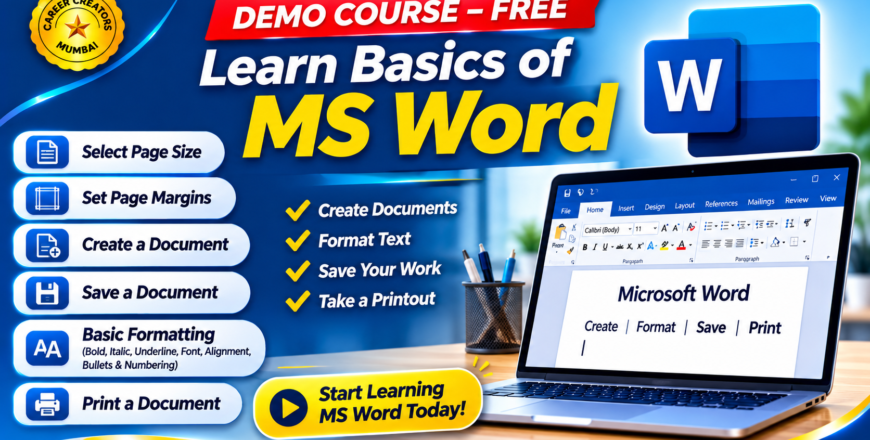
This free demo course is designed to introduce beginners to Microsoft Word and help them understand the basic operations required to create, format, save and print a document.
Students will learn how to use the Microsoft Word interface and perform essential document-related tasks through simple, step-by-step practical demonstrations.
Course Topics
1. Selecting Page Size
-
Understanding page size options.
-
Selecting A4 and other paper sizes.
-
Understanding portrait and landscape orientation.
2. Setting Page Margins
-
Understanding page margins.
-
Selecting predefined margin settings.
-
Setting custom margins.
-
Adjusting document layout.
3. Creating a New Document
-
Opening Microsoft Word.
-
Understanding the basic interface.
-
Creating a blank document.
-
Entering and editing text.
-
Starting a new document.
4. Saving a Document
-
Using Save and Save As.
-
Choosing a file location.
-
Entering a document name.
-
Saving documents in Word format.
-
Understanding basic file management.
5. Basic Document Formatting
-
Selecting text.
-
Changing font type and size.
-
Applying Bold, Italic and Underline.
-
Changing font colour.
-
Aligning paragraphs.
-
Using bullets and numbering.
-
Adjusting basic paragraph formatting.
6. Printing a Document
-
Opening Print Preview.
-
Selecting a printer.
-
Choosing the number of copies.
-
Selecting page ranges.
-
Understanding print settings.
-
Printing a document.
Learning Outcomes
By the end of this demo course, students will be able to create a basic Microsoft Word document, select page settings, adjust margins, format text, save their work and print a document.
This course provides a starting point for students who want to learn Microsoft Word and progress towards professional document designing.
