careercreators.in

0
0 reviews

Design Tools & UI/UX

Learn professional UI/UX design using Figma. Understand wireframing, website layouts, user experience principles, typography, colours and interface design. Turn your ... Show more
  • Description
  • Curriculum
  • Reviews

The Design Tools & UI/UX course is designed to introduce students to the principles of user interface and user experience design using Figma.

Before developing a professional website, it is important to plan how the website will look, how users will navigate it and how information will be presented.

This course teaches students how to plan website layouts, create wireframes, organize design elements and develop modern, user-friendly interfaces using Figma.

Students will understand the difference between UI and UX and learn how to convert design ideas into professional website layouts before the actual development process begins.

Course Modules

1. Introduction to UI/UX Design

  • Understanding UI and UX.

  • Difference between UI and UX.

  • Importance of user-friendly design.

  • Understanding user needs.

  • Introduction to website design processes.

2. Introduction to Figma

  • Understanding the Figma interface.

  • Creating design files and projects.

  • Working with frames.

  • Shapes, text and design elements.

  • Layers and groups.

  • Managing design components.

3. Wireframing

  • Understanding website wireframes.

  • Planning website structures.

  • Creating basic page layouts.

  • Organizing website sections.

  • Designing navigation structures.

  • Preparing website design concepts.

4. User Interface Design

  • Colour selection and combinations.

  • Typography and font selection.

  • Buttons and input fields.

  • Website navigation design.

  • Cards and content sections.

  • Creating consistent design layouts.

5. Modern Website Layout Design

  • Designing website homepages.

  • Creating header and footer sections.

  • Designing service and product sections.

  • Organizing visual content.

  • Developing professional website layouts.

6. Practical Figma Projects

  • Personal Portfolio Design.

  • Business Website Homepage.

  • Landing Page Design.

  • Contact Page Design.

  • Multi-page Website Layout.

Learning Outcomes

By the end of this course, students will understand UI/UX fundamentals and be able to plan and design website interfaces using Figma. They will gain the ability to create wireframes and modern layouts before moving into website development.

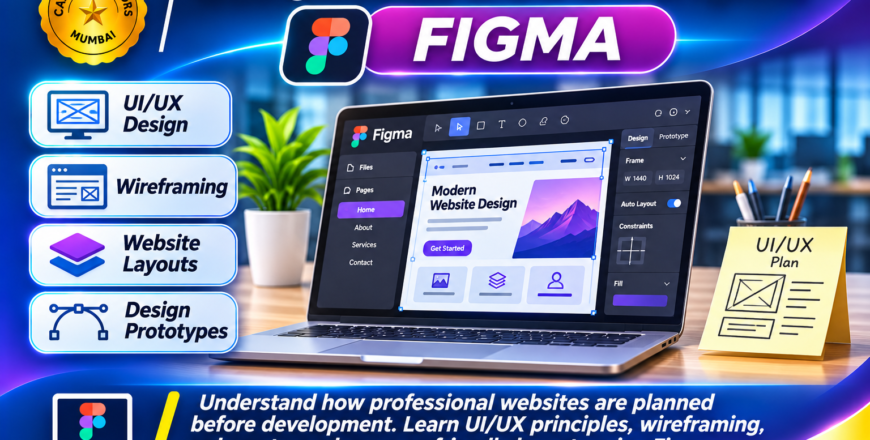
Figma UI_UX Design Course Banner.png
Course details
Level Advanced
Basic info


Course Category: UI/UX Design & Creative Web Design

Software Covered:

  • Figma

Skills You Will Develop:

  • UI/UX fundamentals

  • Wireframing

  • Website layout planning

  • User interface design

  • Typography and colour selection

  • Design organization

  • Figma tools and components

Practical Projects:

  • Personal Portfolio Design

  • Business Website Homepage

  • Landing Page Design

  • Contact Page Layout

  • Multi-Page Website Design

Suitable For: Students, graphic designers, web designers, creative beginners, aspiring UI/UX designers and individuals interested in website design.

Prerequisites: Basic computer knowledge. Previous design experience is not necessary.