Computer Hardware and Networking

- Description
- Curriculum
- Reviews
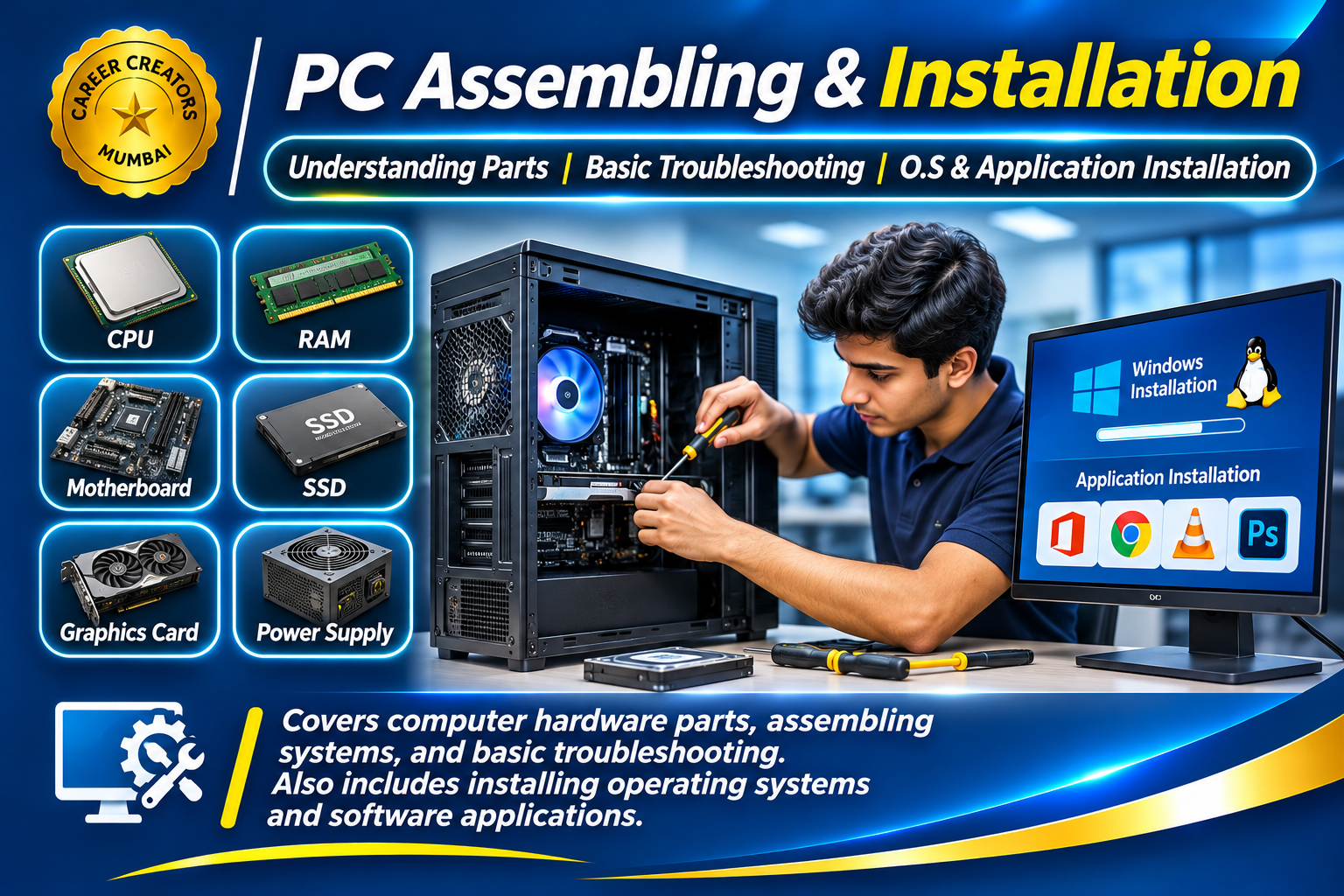
The PC Assembling & Installation course is designed to provide students with practical knowledge of computer hardware, system components, computer assembly and software installation.
Understanding computer hardware is an important technical skill in today’s digital world. This course introduces students to the internal components of desktop computers and explains how different hardware parts work together to form a complete computer system.
Students will learn about computer components, their functions, basic assembling procedures, troubleshooting techniques and operating system installation.
1. Understanding Computer Hardware
-
Introduction to desktop computer components.
-
Understanding motherboard and processor.
-
RAM and storage devices.
-
Power supply unit (SMPS).
-
Hard disk drives and SSDs.
-
Cabinet, cooling systems and peripherals.
2. Computer Assembling
-
Identifying different hardware components.
-
Understanding component compatibility.
-
Installing RAM and storage devices.
-
Connecting power and data cables.
-
Assembling a desktop computer.
-
Basic system inspection after assembly.
3. BIOS & Basic System Configuration
-
Understanding BIOS and UEFI.
-
Entering BIOS setup.
-
Understanding boot devices.
-
Basic system configuration.
-
Checking hardware detection.
4. Operating System Installation
-
Understanding operating system requirements.
-
Preparing bootable installation media.
-
Installing an operating system.
-
Understanding partitions and drives.
-
Initial system configuration.
5. Application Installation
-
Installing essential software applications.
-
Understanding software requirements.
-
Managing installed applications.
-
Basic driver installation and updates.
6. Basic Troubleshooting
-
Identifying common computer problems.
-
Understanding startup and boot issues.
-
Basic RAM and storage troubleshooting.
-
Checking hardware connections.
-
Identifying common system errors.
By the end of this course, students will understand the basic working of desktop computer hardware and gain practical knowledge of assembling, installing and troubleshooting computer systems.
These skills can help students develop a foundation for technical support, computer maintenance, hardware servicing and IT support work.
Course Category: Computer Hardware & Technical Skills
Topics Covered:
-
Computer Hardware Components
-
Motherboard & Processor
-
RAM & Storage Devices
-
PC Assembling
-
BIOS & UEFI
-
Operating System Installation
-
Application Installation
-
Basic Troubleshooting
Skills You Will Develop:
-
Hardware identification
-
Desktop computer assembling
-
Hardware connections
-
Operating system installation
-
Software installation
-
Basic computer maintenance
-
Troubleshooting common problems
Suitable For: Beginners, students, computer enthusiasts, aspiring hardware technicians and individuals interested in technical support.