Advanced Graphic Design

- Description
- Curriculum
- Reviews
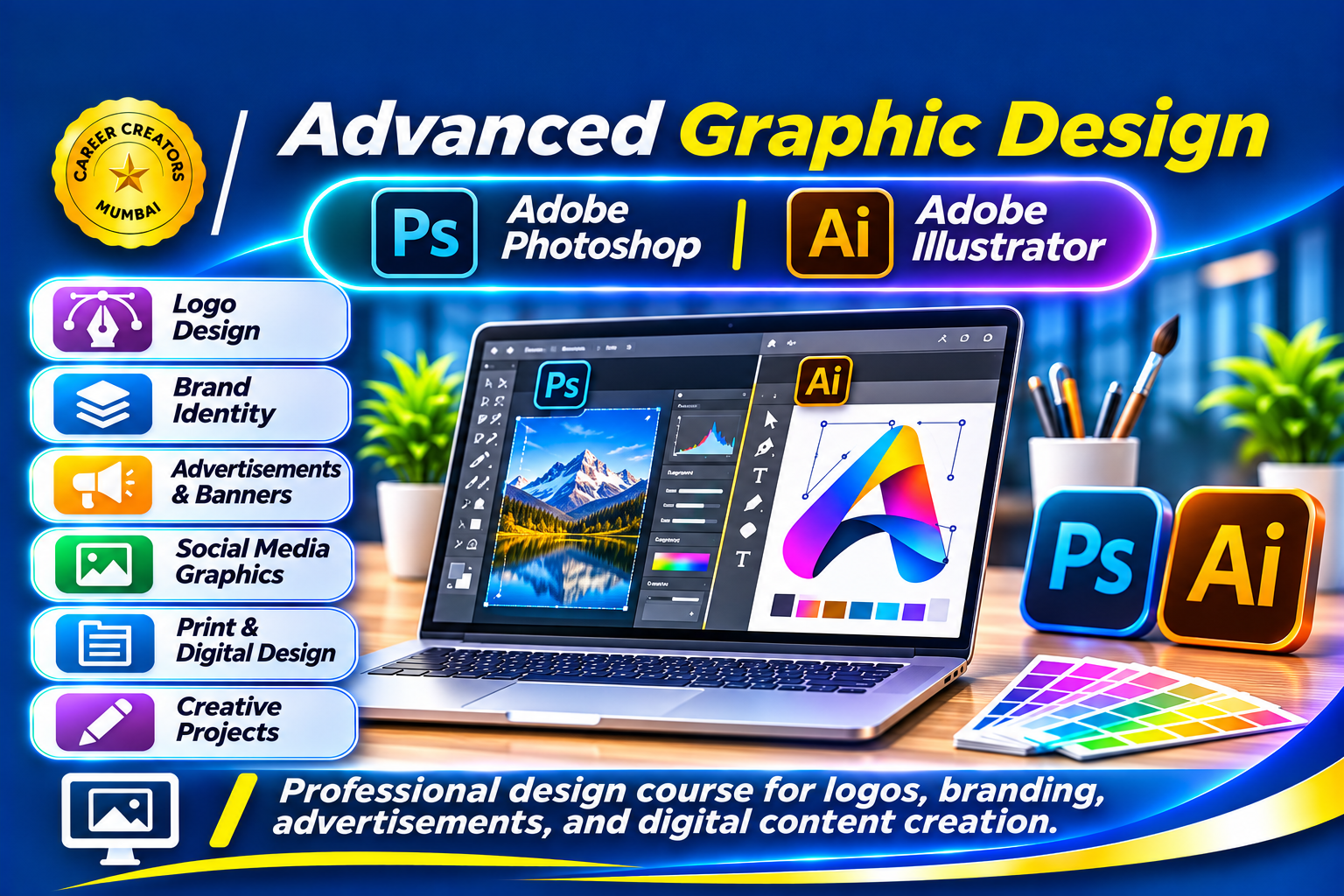
The Advanced Graphic Design course is designed to develop professional graphic designing skills using Adobe Photoshop and Adobe Illustrator.
Graphic designing plays an important role in advertising, branding, publishing, digital marketing and business communication. This course helps students move beyond basic design templates and develop the technical skills required to create professional visual designs.
Students will learn image editing, photo manipulation, vector graphics, logo designing, branding and professional advertising design.
Course Modules
1. Introduction to Professional Graphic Designing
-
Understanding professional graphic design.
-
Design principles and composition.
-
Colour theory.
-
Typography and font selection.
-
Understanding raster and vector graphics.
-
Introduction to professional design workflows.
2. Adobe Photoshop – Image Editing
-
Understanding the Photoshop interface.
-
Working with documents and images.
-
Layers and layer management.
-
Selection tools.
-
Cropping and image resizing.
-
Image correction and enhancement.
-
Working with masks and blending.
-
Background removal.
3. Adobe Photoshop – Advanced Designing
-
Photo manipulation.
-
Image retouching.
-
Working with filters and effects.
-
Creating promotional advertisements.
-
Designing social media graphics.
-
Professional image composition.
4. Adobe Illustrator – Vector Designing
-
Introduction to vector graphics.
-
Understanding the Illustrator interface.
-
Working with shapes and paths.
-
Pen tool and drawing techniques.
-
Working with colours and gradients.
-
Creating icons and illustrations.
-
Typography and vector text.
5. Logo & Branding Design
-
Understanding brand identity.
-
Logo design principles.
-
Creating professional logos.
-
Business identity development.
-
Designing brand elements.
-
Maintaining brand consistency.
6. Professional Advertising & Digital Content
-
Advertisement designing.
-
Promotional banners.
-
Business stationery.
-
Brochure and flyer design.
-
Social media advertising.
-
Print-ready design fundamentals.
7. Practical Design Projects
-
Professional Logo Design.
-
Business Branding Kit.
-
Product Advertisement.
-
Promotional Brochure.
-
Social Media Campaign.
-
Professional Poster Design.
Learning Outcomes
By the end of this course, students will be able to create professional graphic designs using Photoshop and Illustrator.
They will gain practical knowledge of image manipulation, vector designing, logo creation, branding and advertising graphics, preparing them for professional design work and freelancing opportunities.
Course Category: Professional Graphic Designing
Software Covered:
-
Adobe Photoshop
-
Adobe Illustrator
Skills You Will Develop:
-
Professional image editing
-
Photo manipulation
-
Background removal
-
Vector graphic designing
-
Logo designing
-
Branding
-
Advertisement designing
-
Typography and layout design
Practical Projects:
-
Professional Logo
-
Business Branding Kit
-
Product Advertisement
-
Promotional Brochure
-
Business Poster
-
Social Media Advertisement
Suitable For: Students, Canva learners, creative beginners, aspiring graphic designers, freelancers and individuals interested in advertising and branding.
Prerequisites: Basic computer knowledge. Previous experience with Canva or basic graphic designing is helpful but not compulsory.