- Description
- Curriculum
- Reviews
Digital Office Essentials

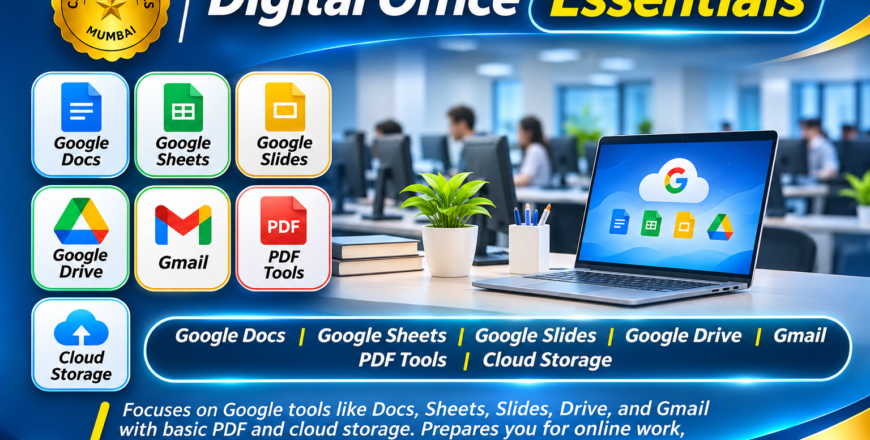
The Digital Office Essentials course is designed to prepare students for modern digital working environments where online applications, cloud storage and collaborative tools are widely used.
In today’s professional world, many organizations depend on cloud-based applications to create documents, manage information, communicate with teams and share files online. This course introduces students to essential Google Workspace applications and other useful digital office tools.
Students will learn how to create documents, manage spreadsheets, prepare presentations, organize files online and communicate professionally through email.
1. Google Docs
-
Creating and editing online documents.
-
Formatting text and paragraphs.
-
Inserting tables, images and other elements.
-
Sharing documents and collaborating with others.
2. Google Sheets
-
Creating and managing online spreadsheets.
-
Formatting data and working with formulas.
-
Organizing information using rows and columns.
-
Sharing and collaborating on spreadsheets.
3. Google Slides
-
Creating professional presentations.
-
Designing slides and layouts.
-
Adding images, text and visual elements.
-
Presenting and sharing slides online.
4. Google Drive
-
Understanding cloud storage.
-
Uploading and downloading files.
-
Creating folders and organizing documents.
-
Sharing files and managing access permissions.
5. Gmail
-
Creating and managing email accounts.
-
Sending and receiving professional emails.
-
Using attachments and organizing messages.
-
Understanding email communication.
6. PDF Tools
-
Understanding PDF documents.
-
Converting documents into PDF format.
-
Managing and sharing PDF files.
-
Working with basic PDF operations.
7. Cloud Storage & Online Collaboration
-
Understanding online file storage.
-
Managing digital documents.
-
Sharing files through cloud platforms.
-
Working collaboratively with others.
By the end of this course, students will be able to perform essential digital office activities using online applications. These skills are particularly useful for students, office employees, freelancers, remote workers and individuals involved in online business operations.
Course Category: Digital Skills & Online Office Applications
Tools Covered:
-
Google Docs
-
Google Sheets
-
Google Slides
-
Google Drive
-
Gmail
-
PDF Tools
-
Cloud Storage
Skills You Will Develop:
-
Online document creation
-
Cloud-based spreadsheet management
-
Presentation preparation
-
Email communication
-
File sharing and collaboration
-
Digital document management
Suitable For: Students, beginners, office employees, freelancers, remote workers and individuals interested in digital productivity.